PDF Editor
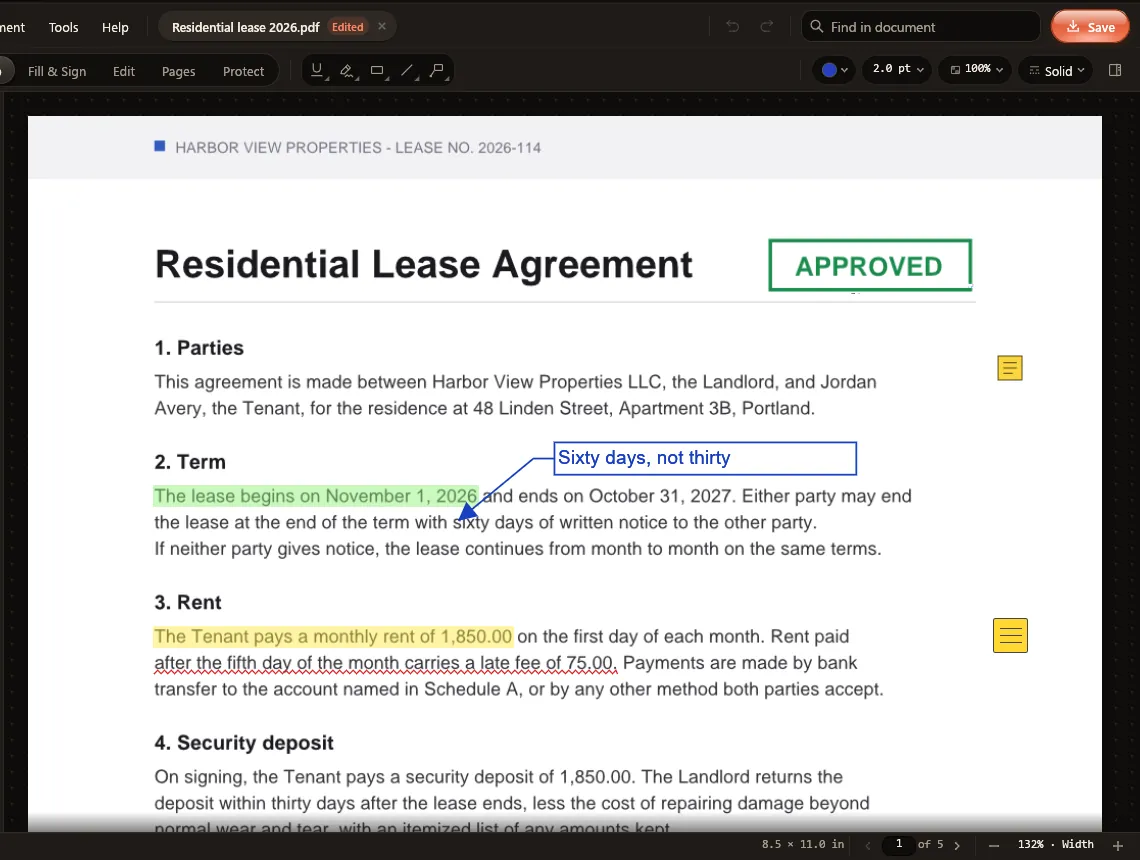
Sign it. Fill it. Fix the typo.
Markup you can change later, Fill & Sign, real text editing, pages and redaction. Saves keep digital signatures valid.
Free beta · For Windows 10 & 11
A PDF editor, a video editor, an audio studio, a demo recorder and a PC tune-up, plus converters and everyday tools, folded into one Windows app. Everything runs on your PC.
Toolyn's search answers jobs like "mp4 to mp3" or "word to pdf" with the tool and format that do it.
What's in the case
A PDF editor, a video editor, an audio studio, a demo recorder and a PC tune-up, with converters and everyday tools around them. Every one of them runs on your PC and looks and works the same way.
PDF Editor
Markup you can change later, Fill & Sign, real text editing, pages and redaction. Saves keep digital signatures valid.
Plus 56 named jobs inside them, from Sign PDF to Compress Video.
See all 69 toolsWorks without internet. Files never leave the PC.
No sign-up, no login. Install it and start.
Audio Studio
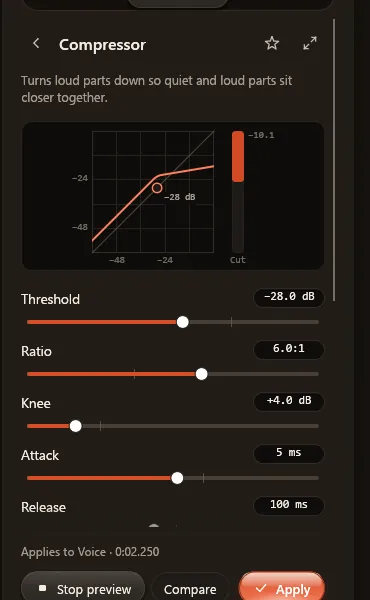
Multitrack recording and editing, with a live preview for every effect.
Video Editor
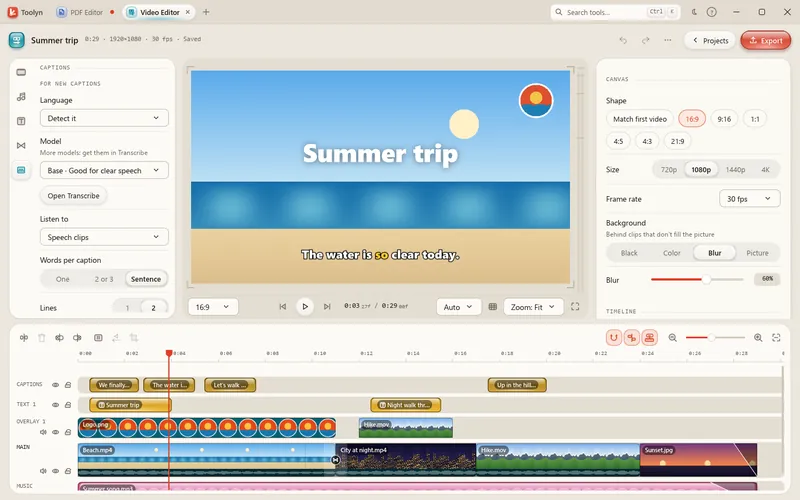
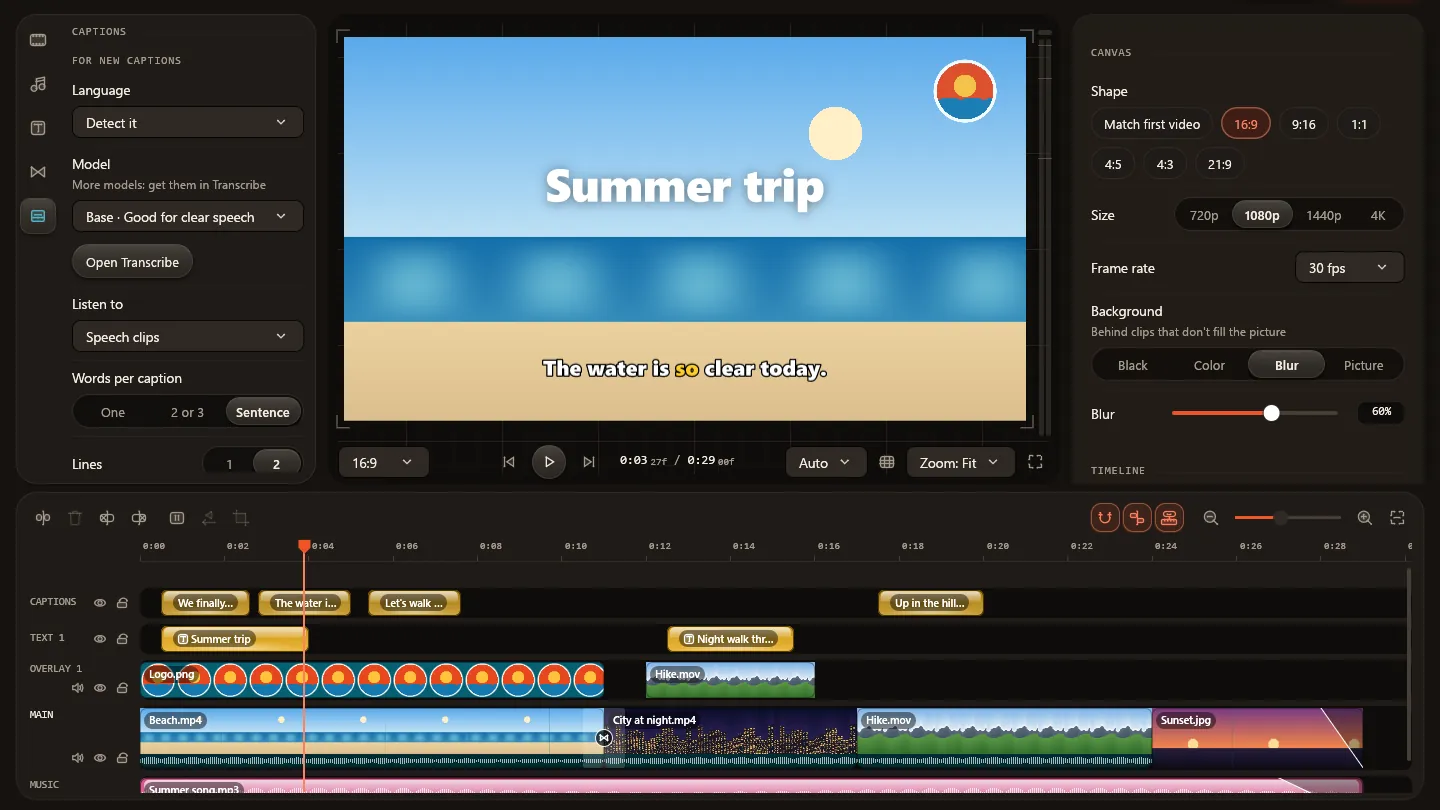
A magnetic timeline with titles, transitions, speed, automatic captions and voice-over, out as one MP4.
Demo Recorder
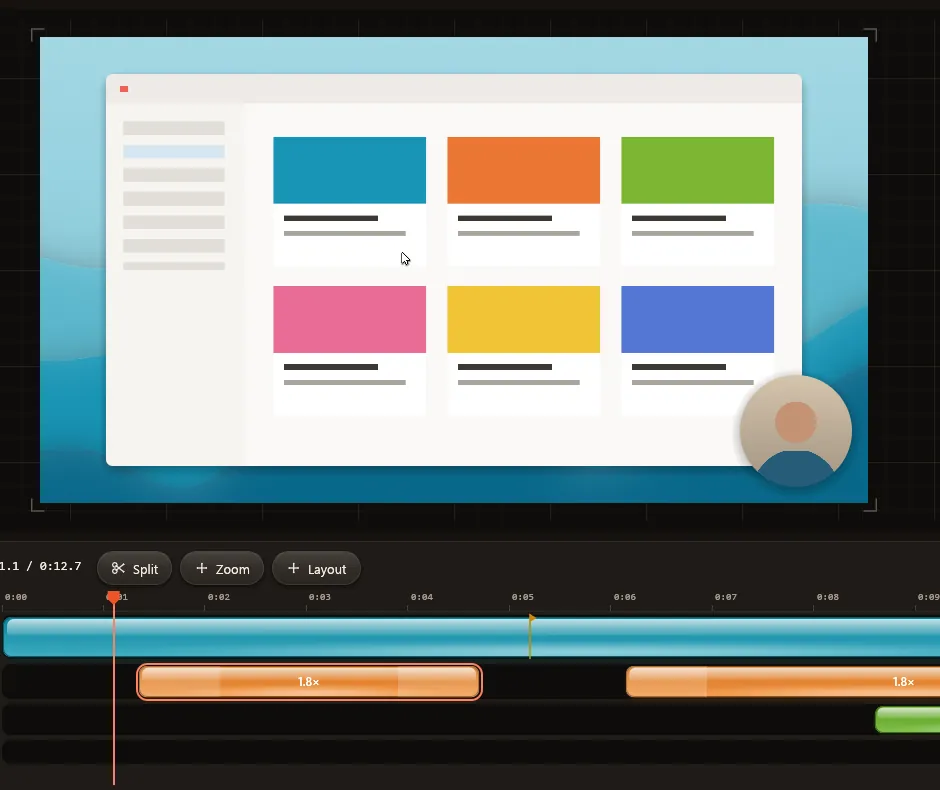
Screen demos with automatic zooms, a smooth pointer, a backdrop and a camera bubble, editable until you export.
Tune-Up
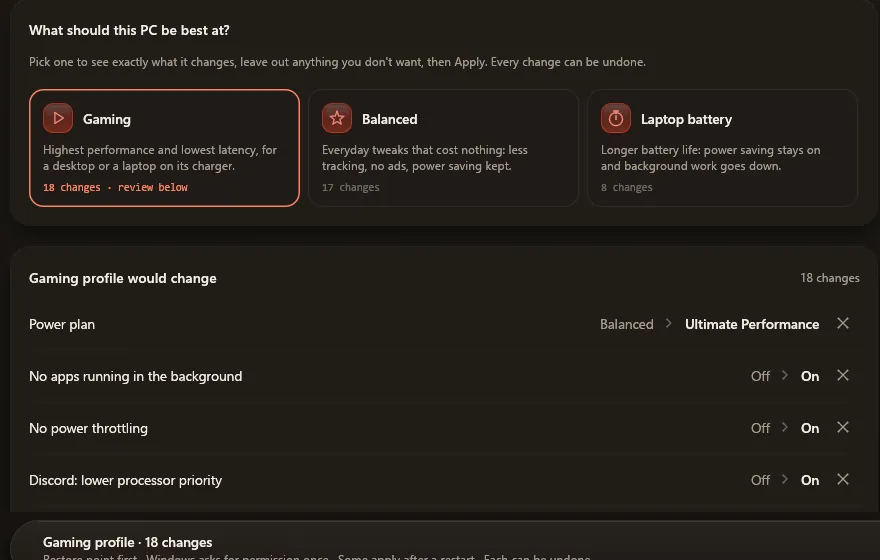
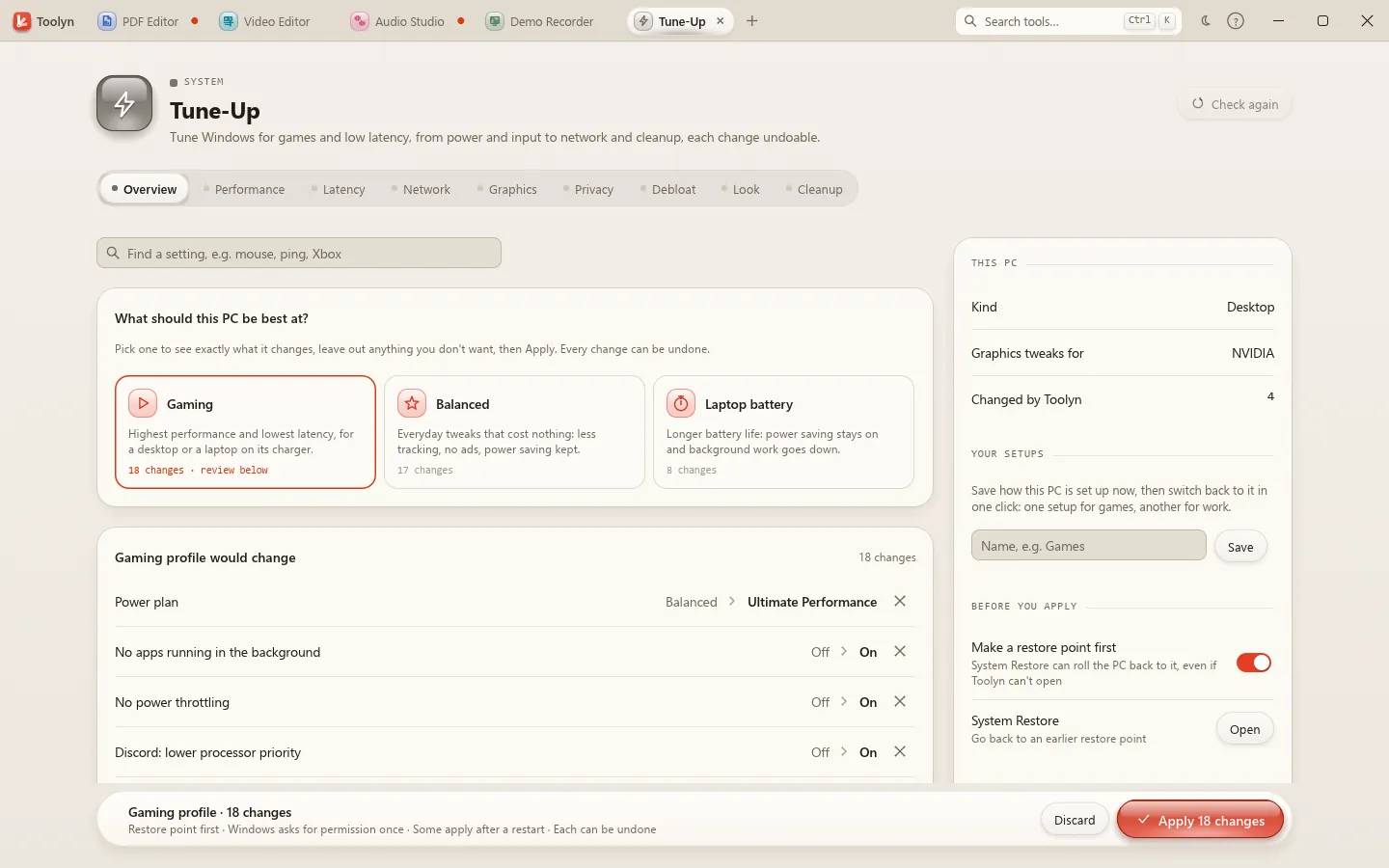
Pick Gaming, Balanced or Laptop battery and see each change before you apply it.
One search

Native. About 5 ms a frame on built-in laptop graphics.
Free in the beta. No subscription.
PDF edits, audio projects and drafts come back after a crash.
Drop anything
Home dashboard
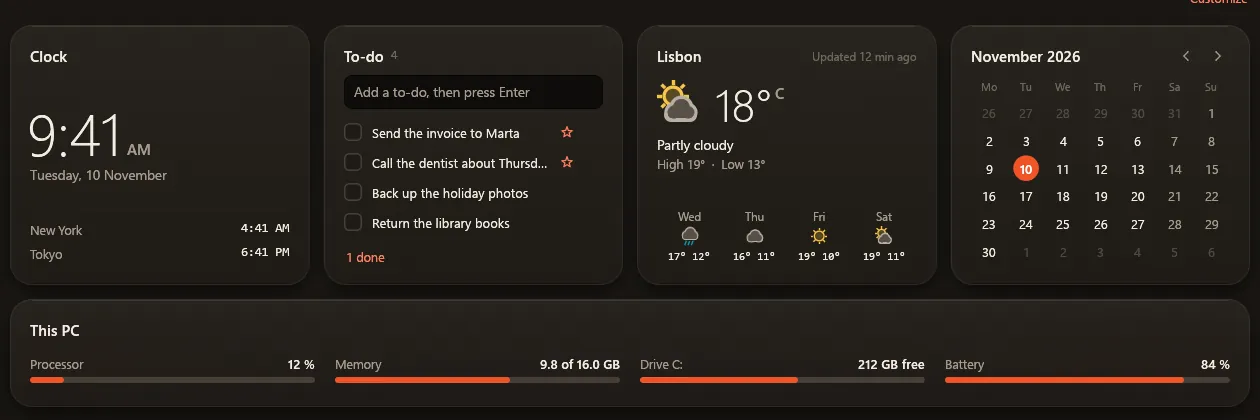
A clock with two more cities, to-dos, this month's calendar and This PC. Weather only if you turn it on.
And the small stuff
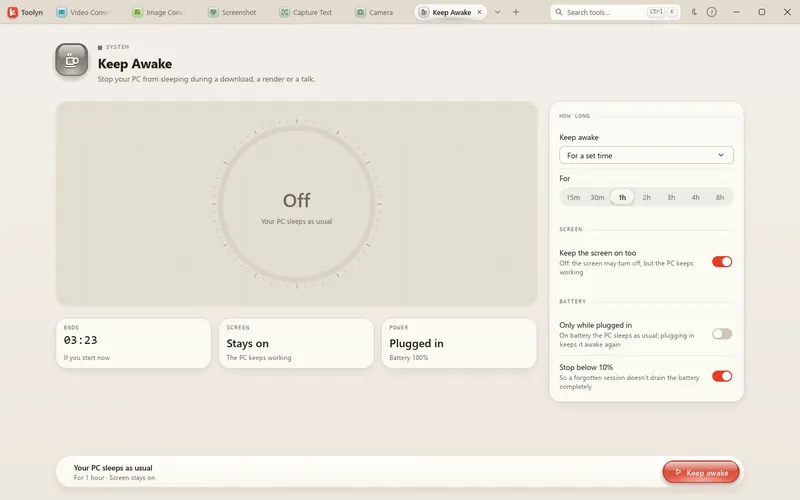
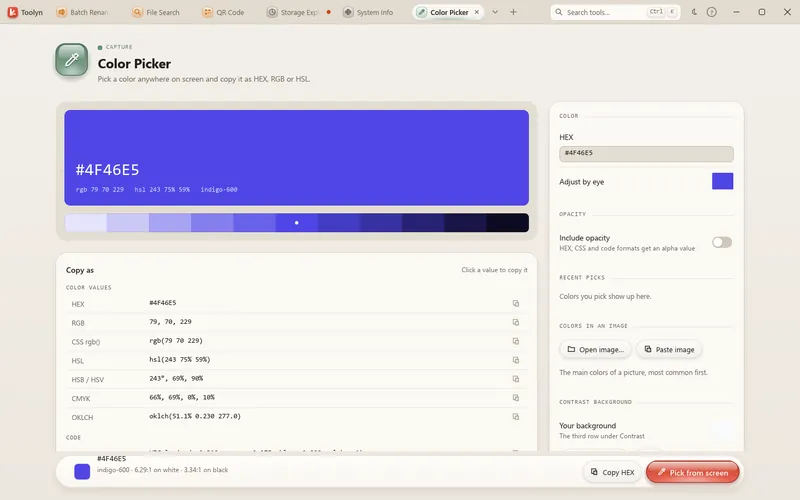
Capture Text, Color Picker, File Search, Keep Awake, JSON Formatter and more.
See the everyday toolsNine flavors, one look
Fast and responsive
Toolyn is a Windows app written in Rust and drawn by your graphics chip, not a web page in a wrapper. It answers the moment you click, even while it works.
Scrolling the library, one frame
The editors
The five tools people usually buy separately, built to the same standard: real undo, safe saving and keyboard shortcuts you already know.
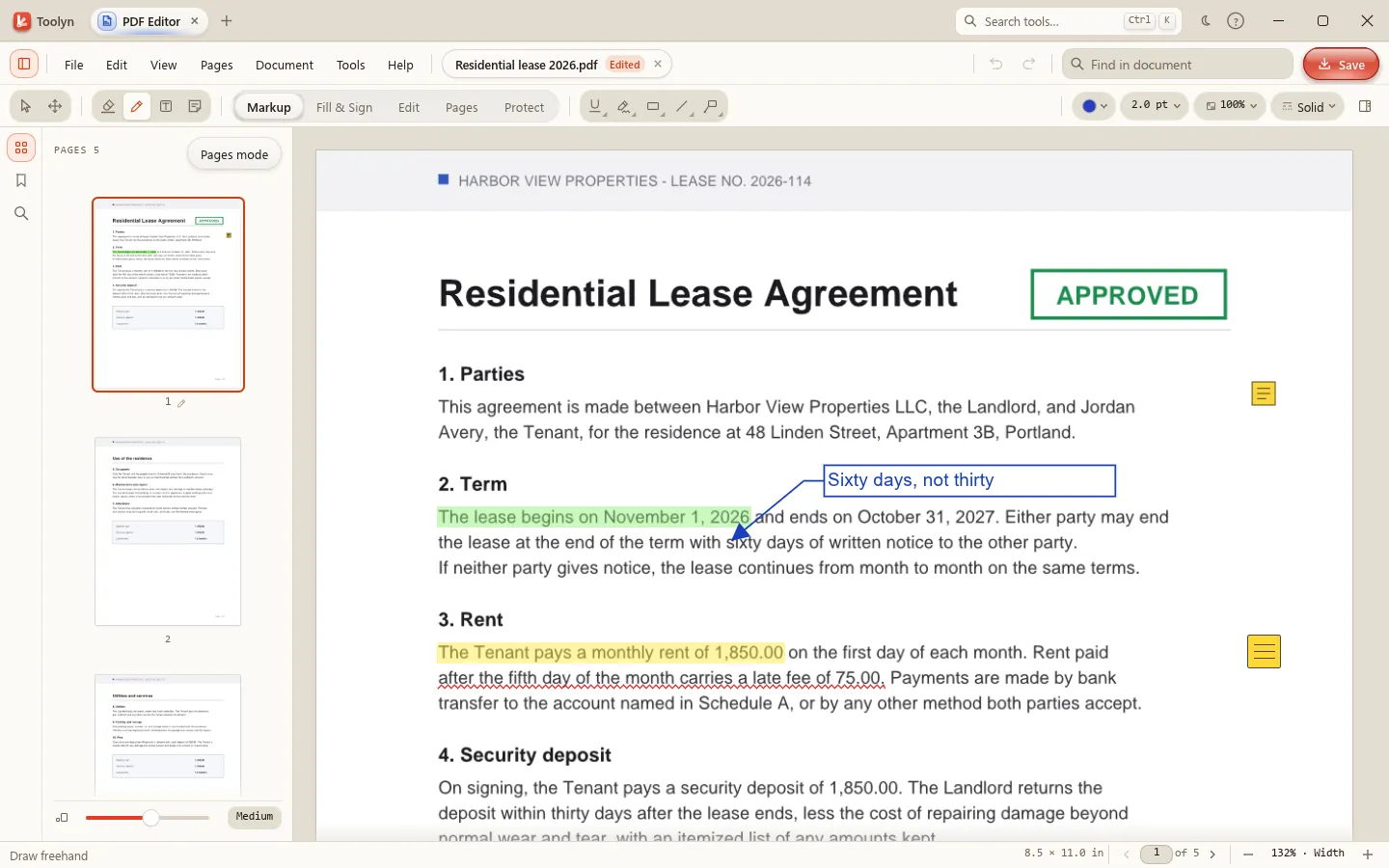
PDF Editor
Read, annotate, sign, fill in, edit and organize PDFs, with shortcuts that follow Acrobat's.
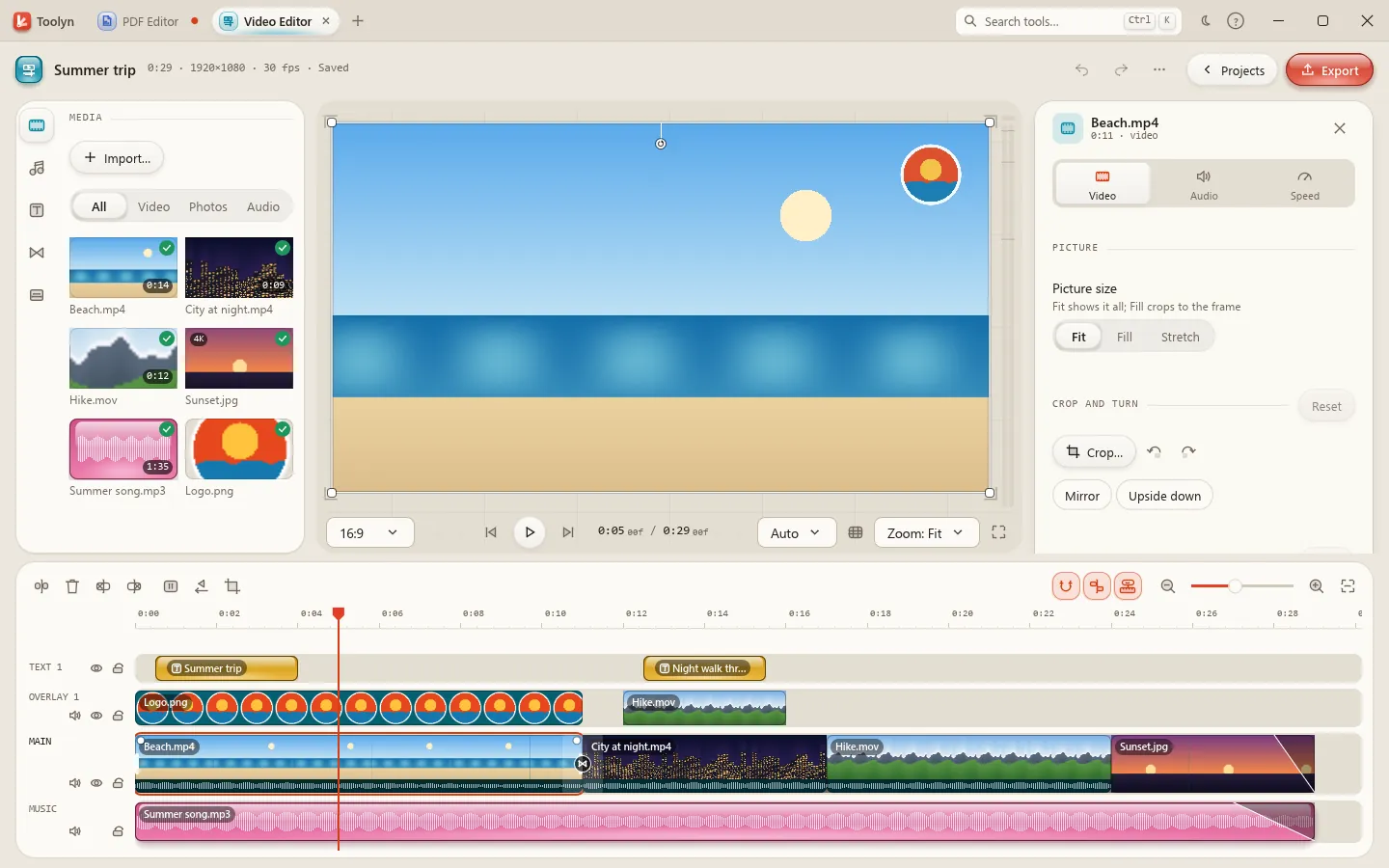
Video Editor
Drop videos, photos and music, cut them together on a magnetic timeline and export one MP4. Projects save themselves a second after every change.
Video export and captions use FFmpeg, which Toolyn installs for you with one click.
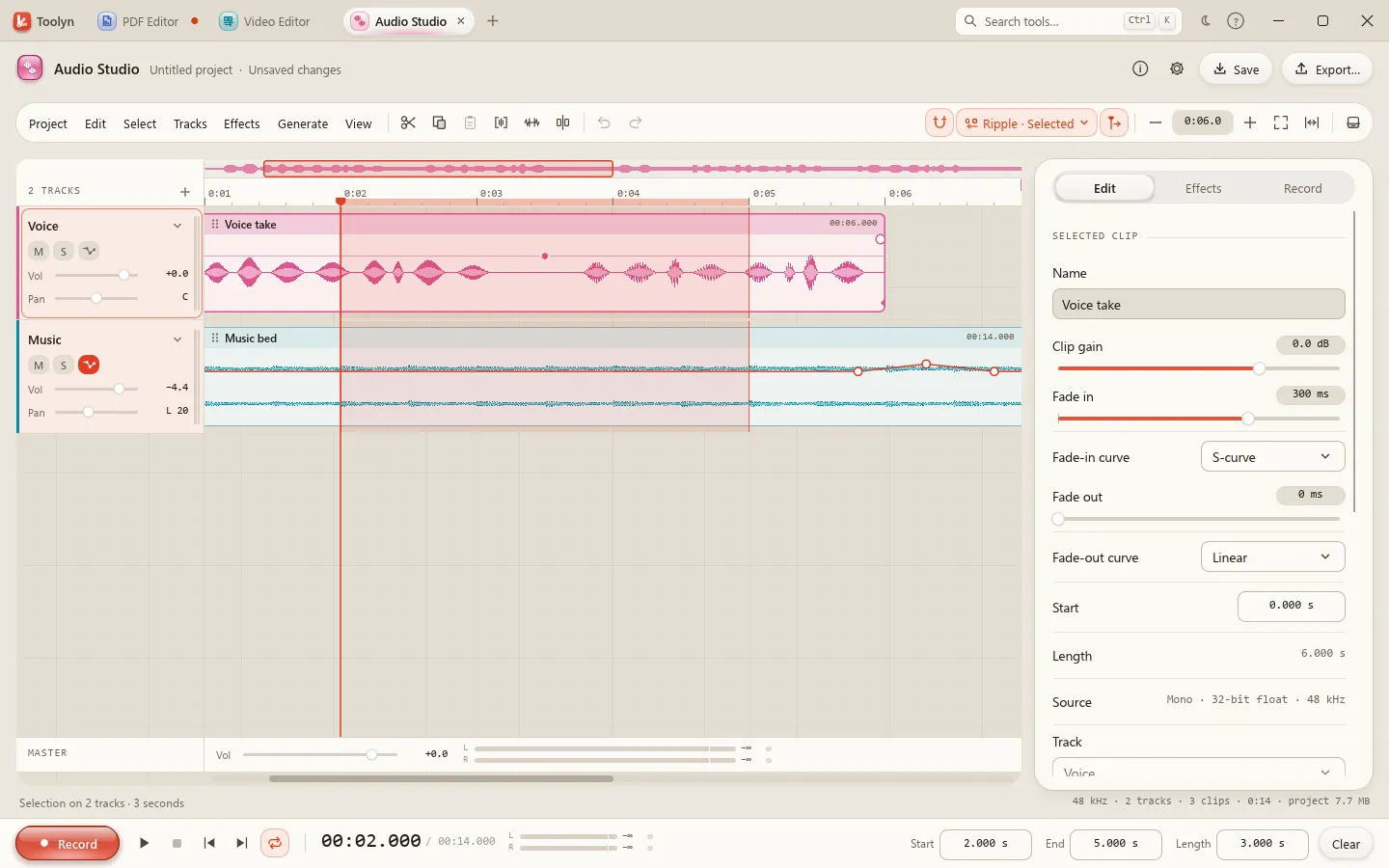
Audio Studio
Record a microphone, edit mono and stereo waveforms on up to 64 tracks, and export a mix, with commands and shortcuts that follow Audacity's.
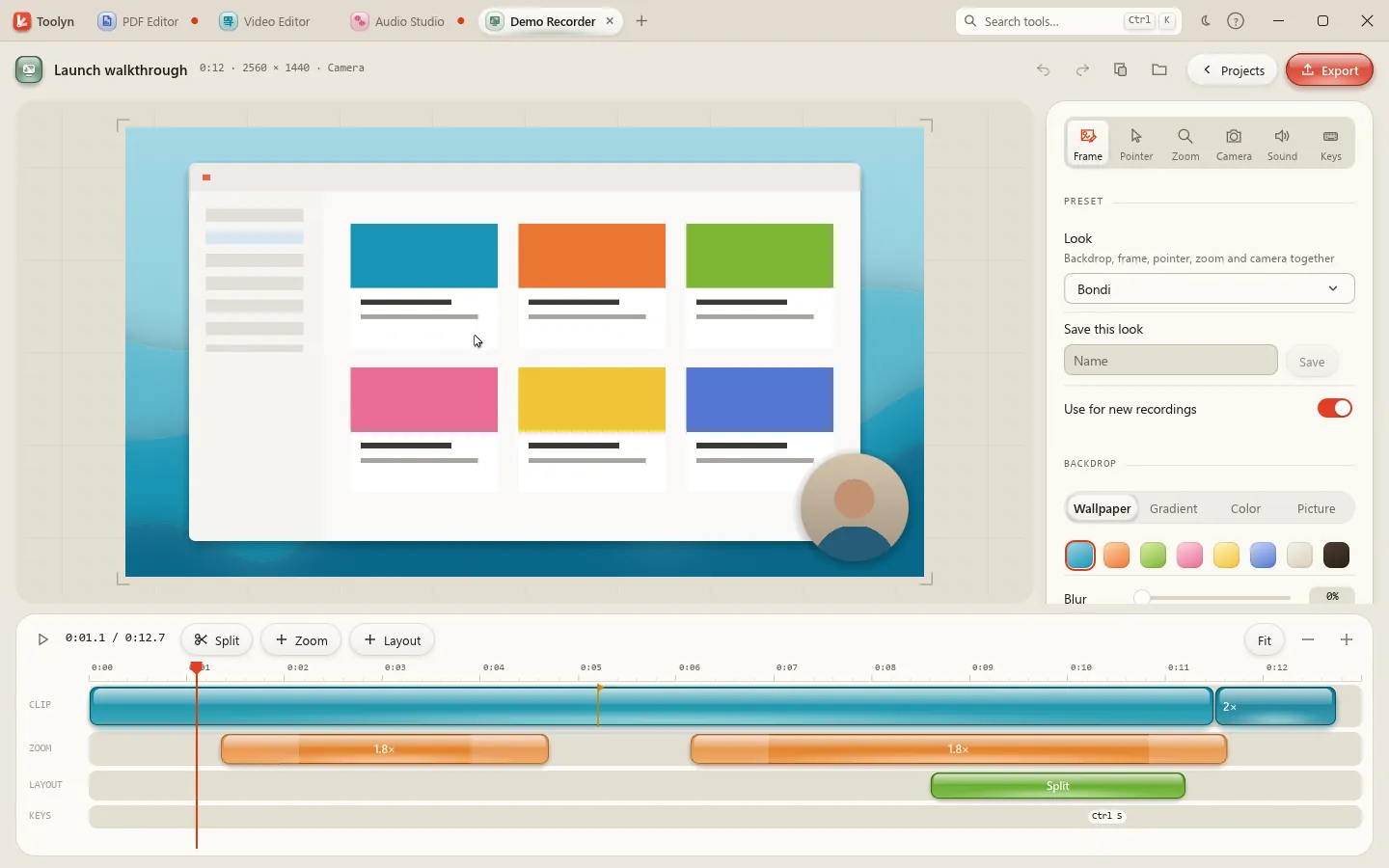
Demo Recorder
The screen is recorded without the pointer, next to a track of what the mouse and keyboard did. Zooms, the pointer, the backdrop and the camera are drawn later, so you can change them until you export.
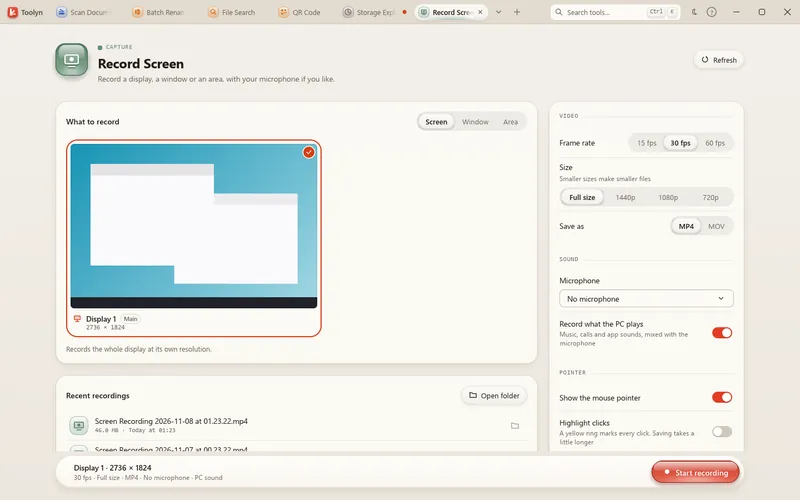
It records which keys you press for zooms and key caps, never what you type. Need a plain recording? Record Screen captures a display, a window or an area.
Tune-Up
Windows tuned for games and low latency. Nothing changes when it opens: every setting says what it does, what it's good for and whether it needs administrator rights.
Everyday tools
Converters, capture tools, file helpers, system checks and developer utilities, each in its category's own color. Click a category to see every tool in it.
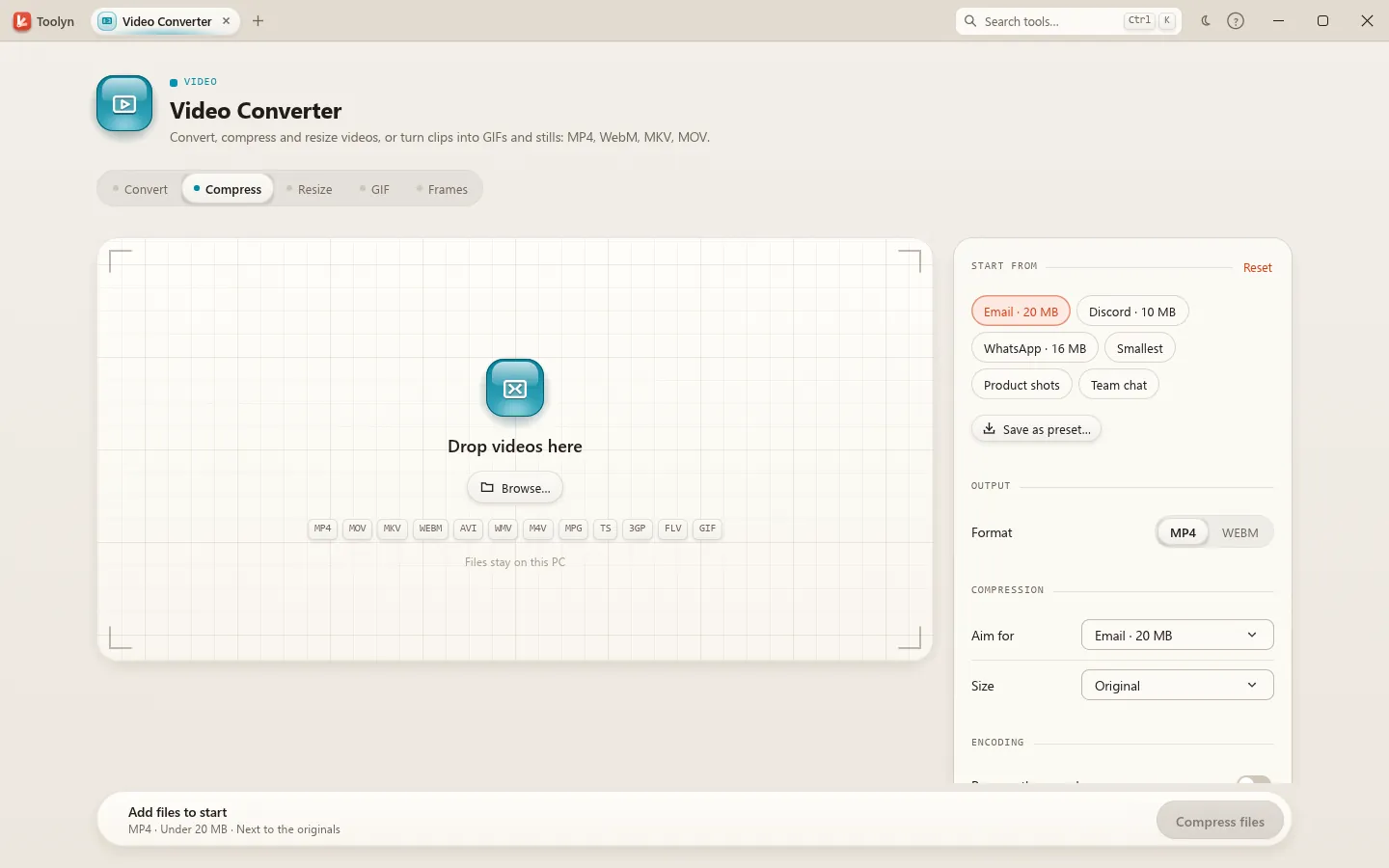
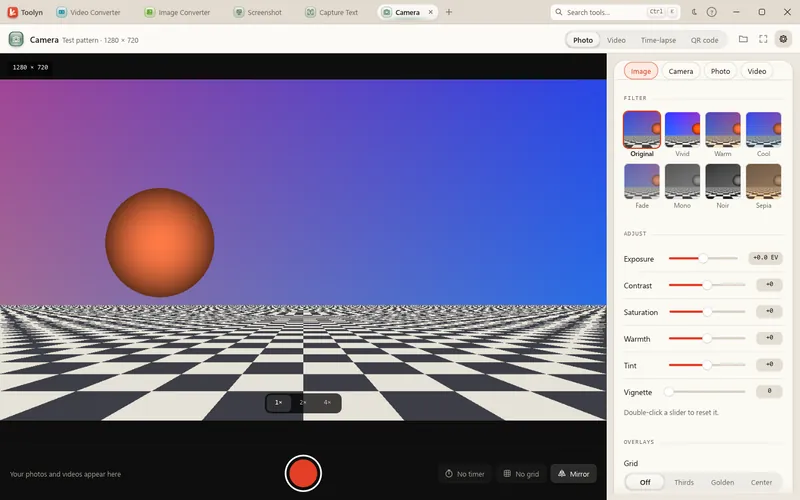
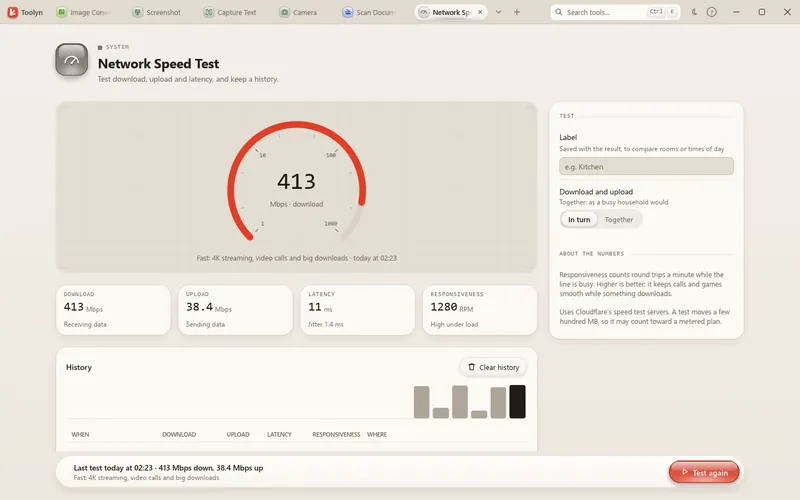
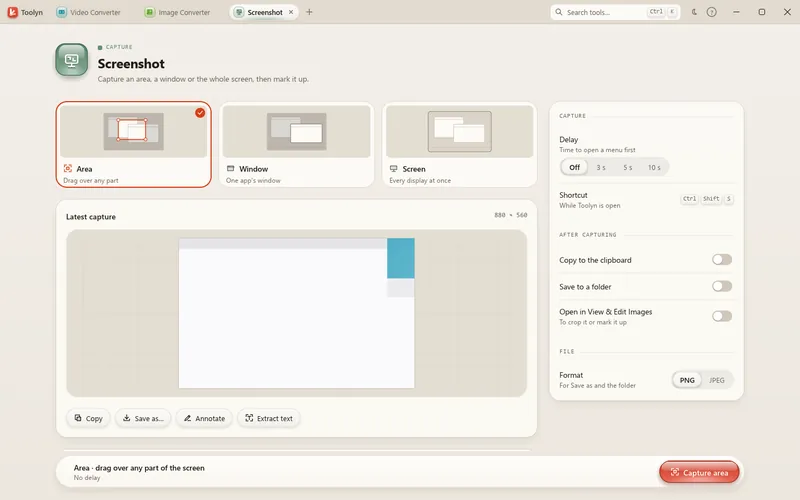
Take screenshots, record the screen, use the camera, and grab text or colors from the screen.
Edit, convert, shrink and download video.
Record, edit, convert and clean up audio.
View, edit, convert and shrink pictures.
Edit, merge, compress, protect and convert PDFs and documents.
Pull text from pictures, read text aloud, count, translate and transcribe.
Find, rename, zip, de-duplicate and share files.
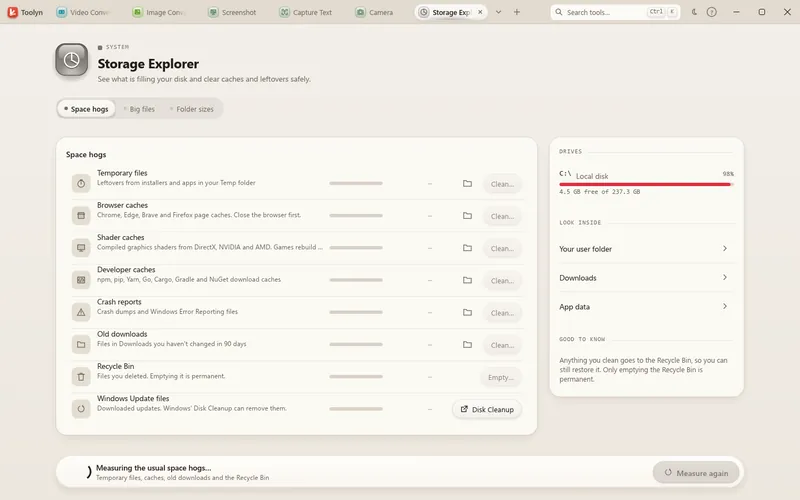
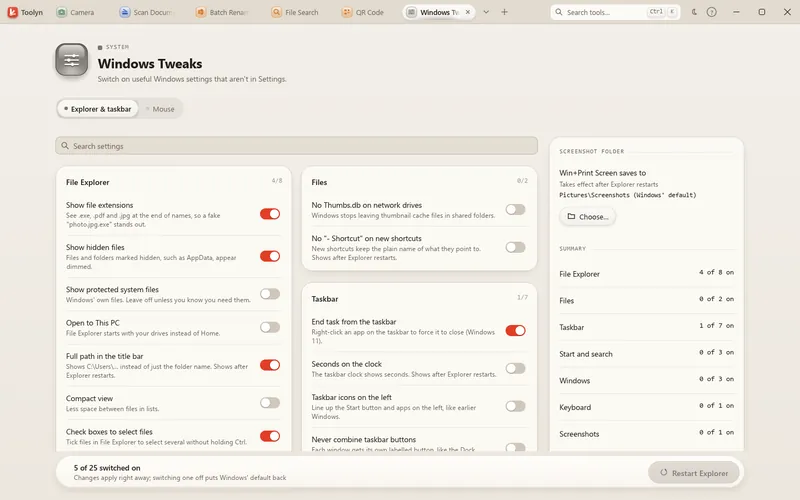
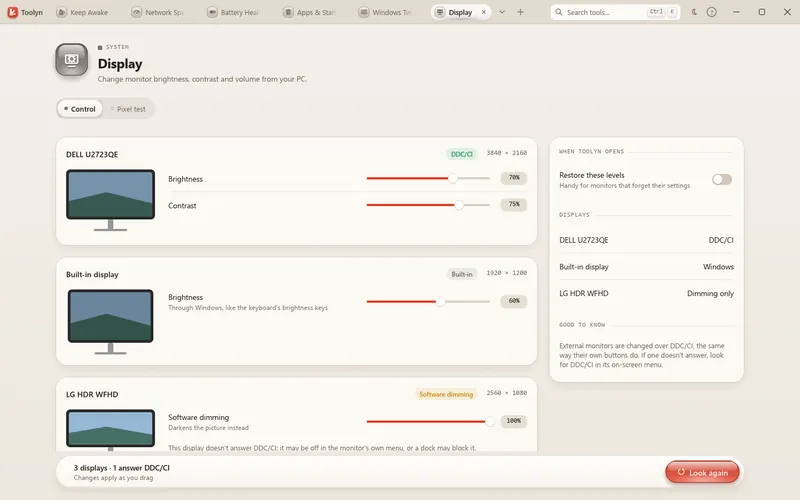
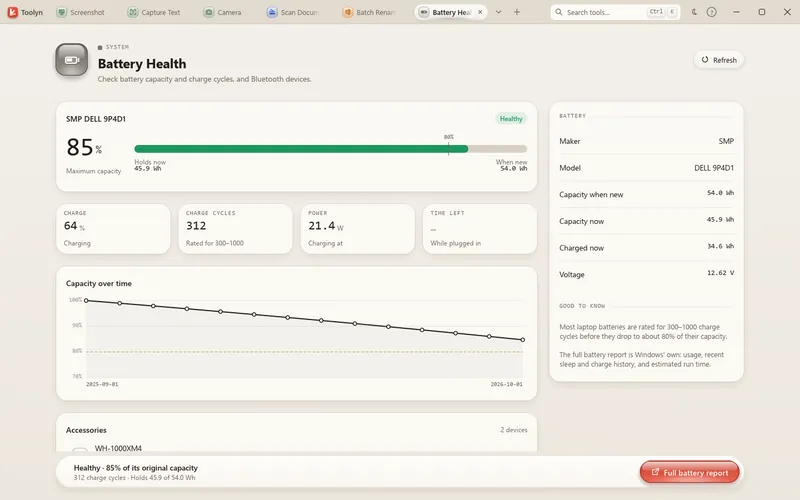
Check, tune and fix your Windows PC.
Format, compare, encode and generate data.
Converters
Video, audio, images, PDFs, documents, ebooks, archives, fonts and vector art, converted on your PC in batches.
Finding the right tool
You don't need to know which of the 69 tools does it. Type what you want, or drop the file.
Type “mp4 to mp3”, “heic to jpg” or “word to pdf” and the best match opens the right tool with that format already set. It understands typos and plain words like “shrink pdf”. Ctrl+Alt+Space brings it up from any app.
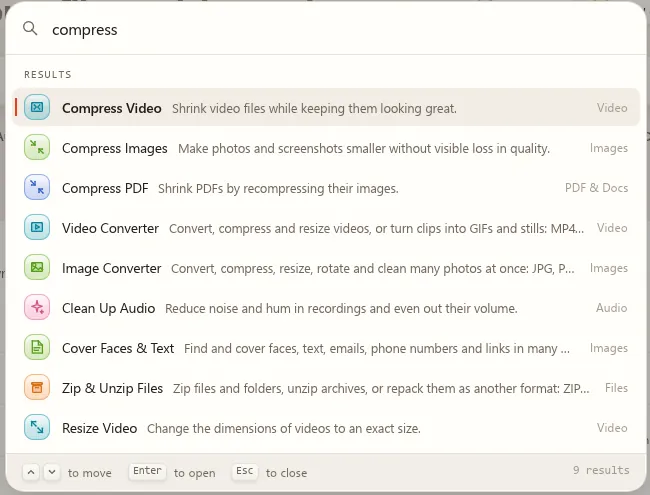
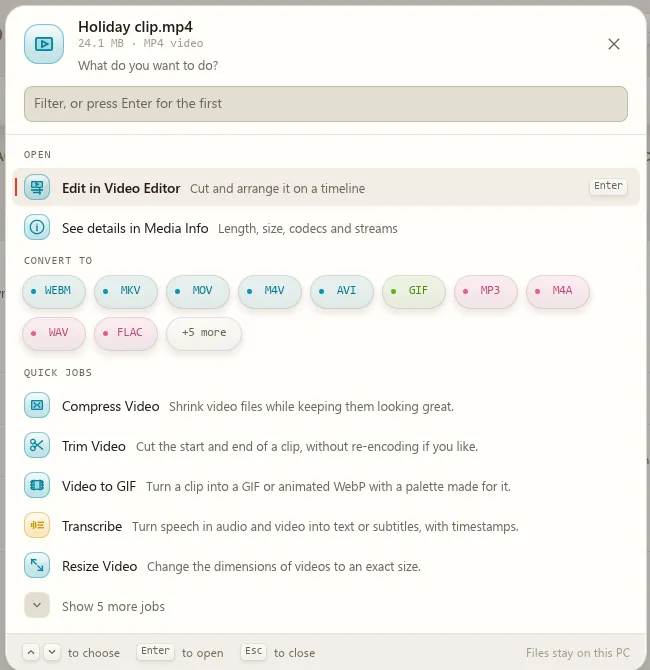
Drop files or folders on the window and Toolyn asks what to do with them, the tool made for them first and your last choice on top. Files you open from Explorer go straight to their editor, in the window that's already open.
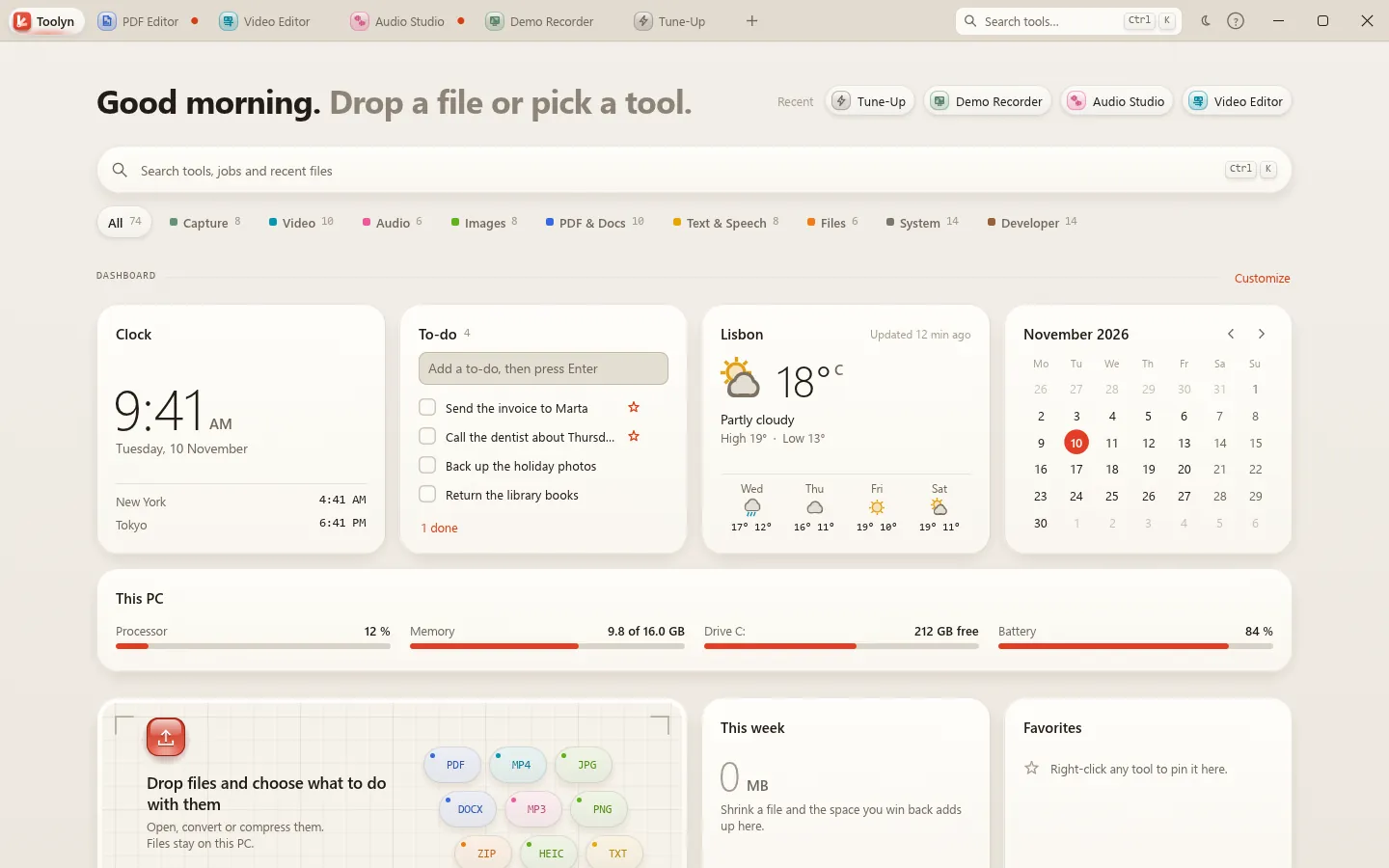
Home
Toolyn opens on your library: your recent tools and files, favorites, and a dashboard you can shape.
Privacy by design
Toolyn has no account, no analytics and no ads. Everything below runs on your own hardware.
The work happens on your PC, with your PC's own parts and Windows' own features.
Each one happens only when you use that feature.
Fewer apps
Most PCs collect a drawer of single-job apps and bookmarked websites. Toolyn puts the jobs in one place, with one look and one search.
| The job | Usually | In Toolyn |
|---|---|---|
| Edit, fill and sign PDFs | A PDF editor with a monthly plan | PDF Editor |
| Cut a video with captions | A separate video editor | Video Editor |
| Record and mix audio | An audio workstation | Audio Studio |
| Make a polished screen demo | A recorder plus an editor | Demo Recorder |
| Tune Windows for games | A paid PC optimizer | Tune-Up |
| Convert videos, images, PDFs and documents | Websites you upload files to | Converters on your PC |
| Grab text from the screen | An OCR app | Capture Text |
| Find, rename and zip files | Three small utilities | File Search, Batch Rename, Zip & Unzip |
| Format JSON, test a regex, compare text | A dozen browser tabs | 12 Developer tools |
Pricing
No subscription, now or at 1.0. Use everything free during the beta; buy a license when 1.0 ships.
Download Toolyn and use all 69 tools for as long as the beta runs. No account, no card.
Every plan: every tool, free updates, 7-day refund, works offline after activation.
For your own PC.
Launch price for beta users: $19
A desktop, a laptop and one more.
One license for three PCs.
For a household or a small studio.
One license for five PCs.
More than five PCs.
Tell us how many PCs, and we'll make you an offer.
Prices in US dollars. Checkout opens with version 1.0; until then there is nothing to buy and nothing to cancel.

Windows may show a SmartScreen warning for new apps that few people have downloaded yet. If you got Toolyn from toolyn.app, choose More info, then Run anyway.
Questions
Yes. During the beta you can download Toolyn and use every tool for free, with no account and no card.
At version 1.0 Toolyn becomes a one-time purchase: $29 for one PC, $49 for three and $79 for five. Beta users get the one-PC license for $19 at launch. Every tool and free updates are included, with a 7-day refund. There is no subscription.
No. Every tool works on your PC: converting, editing, text recognition, transcription and the optional AI features, which use a model running on your own PC.
Toolyn goes online only for the few features that need the internet, and only when you use them: Weather on the dashboard (off until you turn it on), Download Video, Network Speed Test, the Coordinate Picker map, Capture Web Page, and helper programs you choose to install.
No. There is no sign-up and no login. At 1.0 you enter your license once; after that Toolyn works offline.
Windows 10 and Windows 11, 64-bit (x64). The installer sets Toolyn up for your account without administrator rights.
The video and audio tools, Record Screen, Demo Recorder and Media Info use FFmpeg, a free program that does the encoding. Toolyn doesn't bundle it, but installs it for you with one click through WinGet, and the button tells you the license and the size first. If FFmpeg is already on your PC, Toolyn finds it.
Windows SmartScreen can warn about new apps that few people have downloaded yet. If you downloaded Toolyn from toolyn.app, choose More info, then Run anyway.
Tune-Up changes nothing until you press Apply. It saves each old value first, makes a System Restore point unless you switch that off, and lets you undo any change or restore everything. It never switches off Microsoft Defender, the firewall, User Account Control, Windows Update or SmartScreen.
No. Translate and Ask & Summarize use a model server running on your own PC, such as Ollama or LM Studio. Without one, Summarize picks the key sentences and Ask shows the matching passages. Transcribe and automatic captions run on your PC with a speech model that downloads once, when you ask for it.
Use the Report a bug or Request a feature form. In Toolyn, press F1 (or the ? in the title bar) and choose Report a bug… or Request a feature…: it opens the same page with your Toolyn and Windows versions filled in. Toolyn sends nothing else, no files and no logs.
Toolyn is a native app written in Rust and drawn by the graphics chip through DirectX 12, which every Windows 10 and 11 PC has. Scrolling the library takes about 5 ms of work a frame on a laptop’s built-in graphics, well inside the 16.7 ms a frame gets at 60 fps. If a PC’s graphics can’t draw the window, Toolyn falls back to Windows’ own software renderer, which is slower but works. Heavy jobs such as a video export still depend on the processor, so an older PC finishes them later, but they run in the background and the window stays responsive.
It is the same app with a new name. The installer upgrades Toolcase in place, and your settings, recovered work and projects move over by themselves.
69 tools, one app, nothing uploaded. Free while it's in beta.